We regularly parse information in Key Collector, so we know how to speed up the process using IP addresses and avoid account bans. So in this article, we'll walk you through setting up a proxy in Key Collector in a step-by-step guide. Screenshots have been added to the points of the manual for clarity.
Why you need proxies for Key Collector
Thanks to them, information is parsed 2, 3, 5, or even 10 times faster.
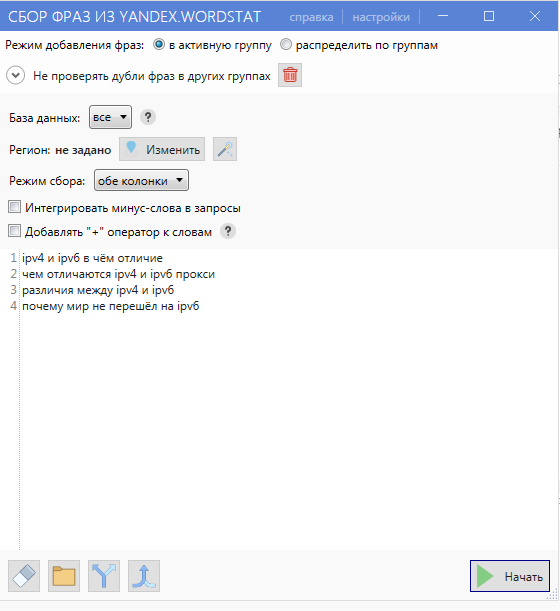
We show with an example. The SEO specialist wants to parse 4 requests from Yandex.Wordstat (see screenshot). In order not to wait several minutes, the specialist adds 4 accounts to the program and binds an intermediate server to each of them. Each of the 4 accounts will collect information on one request. The result is that the semantic core will assemble 4 times faster.
Instruction
To configure a proxy for Key Collector, do the following:
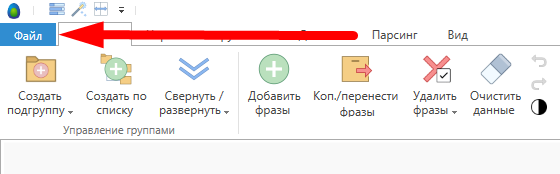
- Open the software and click "File".
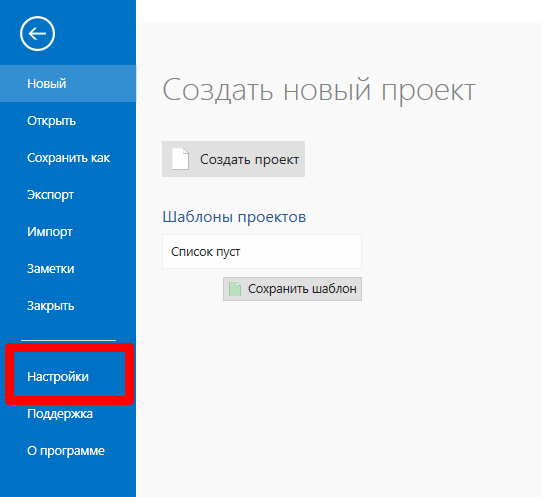
- We click "Settings".
- A menu will appear on the left. In the "Parsing" section, select the site from which we will collect information. In our case, this is Yandex.
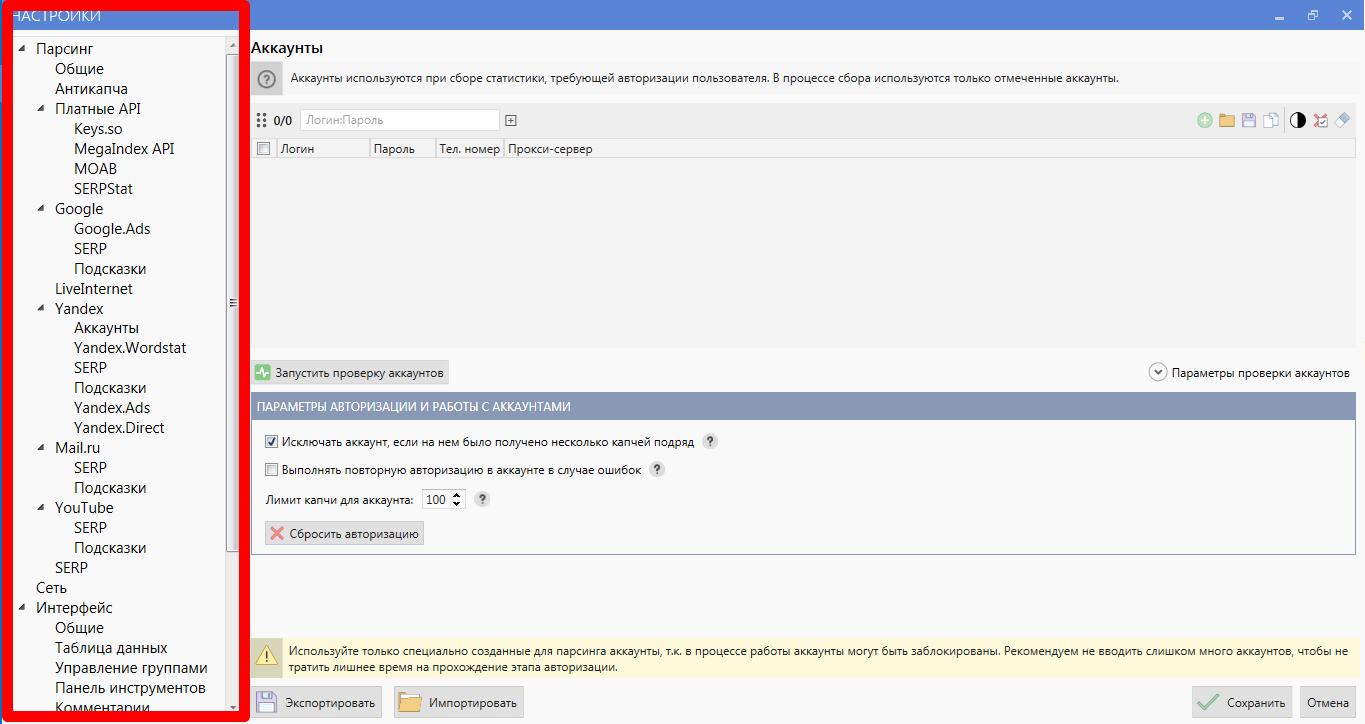
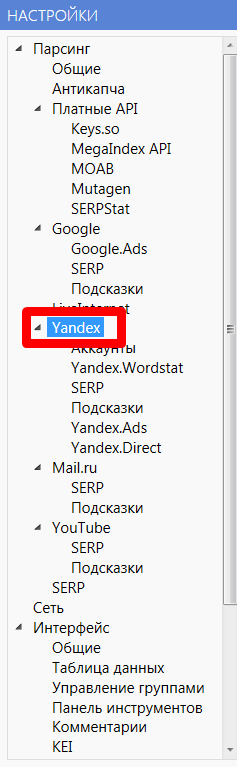
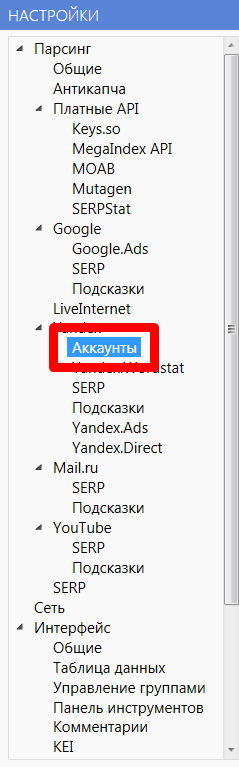
- Click "Accounts".
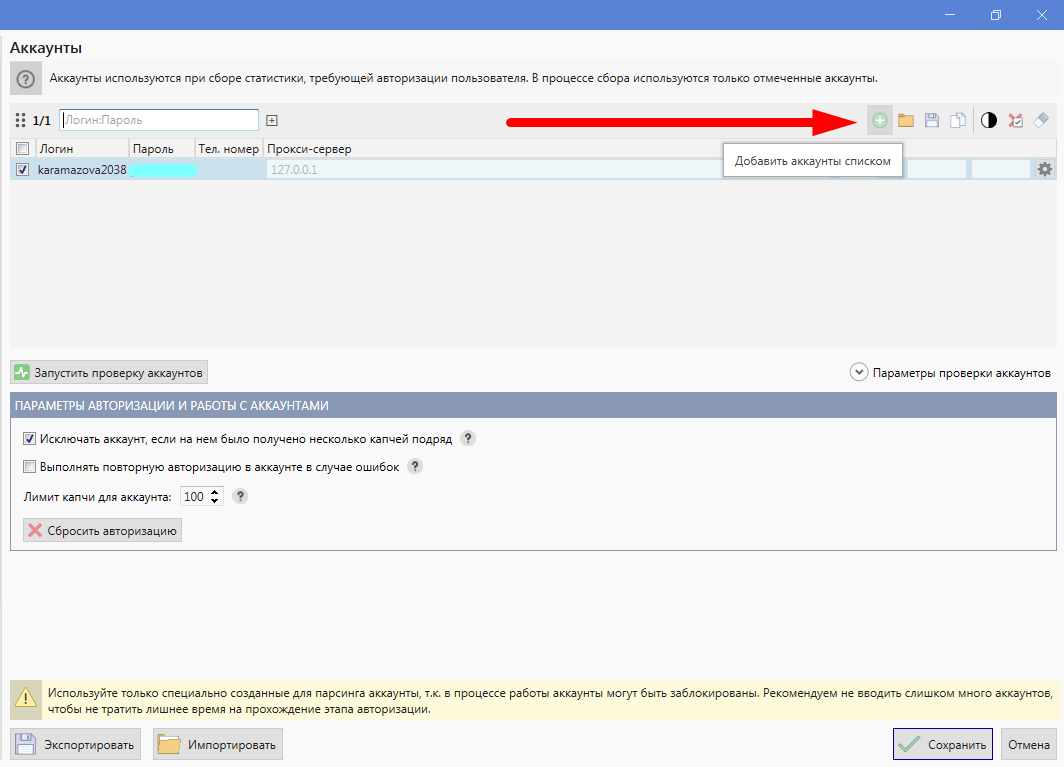
- Now add accounts. This is done in two ways: list or import. If we want to load profiles manually, then click "Add accounts as a list".
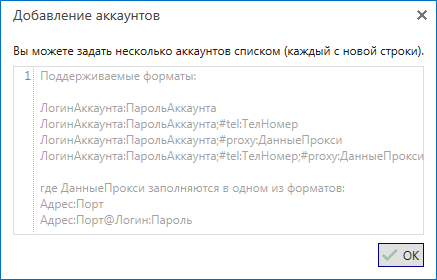
- Now enter your profile information. There are several formats, choose any. You can download the acc immediately from the proxy, so that later you do not need to register the data of the intermediate server.
- If you added a profile without an IP address, then in the fields "Proxy server" and "Port" enter the appropriate data.

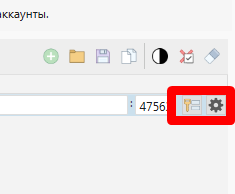
- Then click on the key and gear.
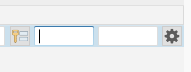
- Enter your IP username and password.
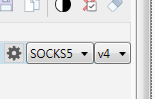
- After specifying the protocol and type.
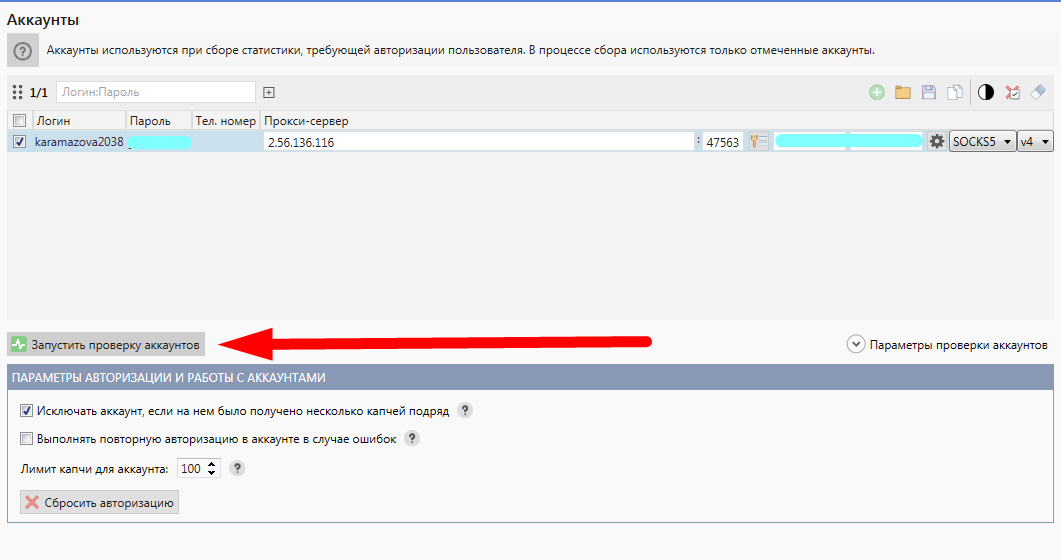
- Click "Start Account Verification".
- If it gives an error, then something is wrong with the proxy. For example, for some reason, our account with the Kyiv intermediate server did not pass.

What to do? Let's take another IP. - If the verification is successful, the following message will appear:

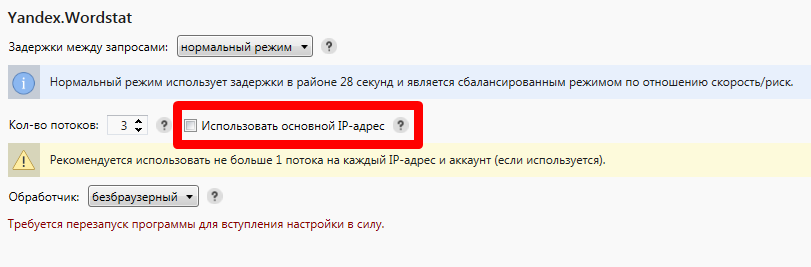
That's it, we have added a Yandex account and connected a proxy to it. Now, in the same way, add the rest of the profiles, depending on the streams. When the account is loaded, open Yandex.Wordstat and set the number of threads. If you added 3 profiles, then set the number of threads to 3. Uncheck the box next to "Use the main IP address".
Click "Save" at the bottom of the screen.
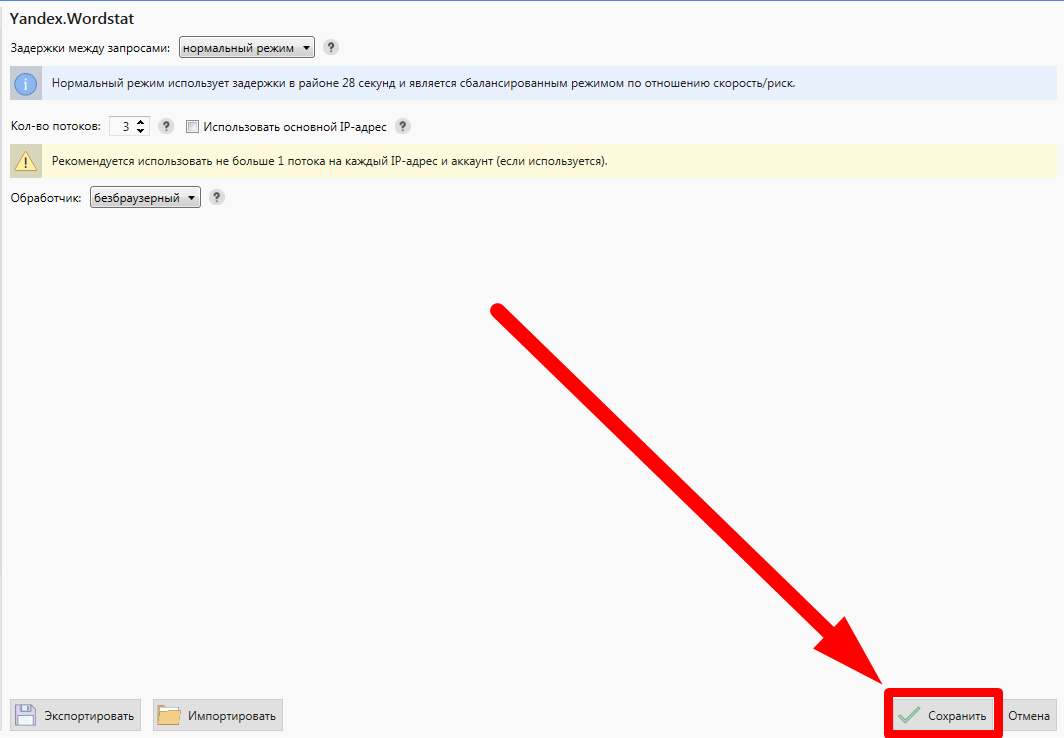
We do the same with Yandex.Direct.
Yandex.Wordstat parses key queries from the left and right columns, while Yandex.Direct parses frequencies. Direct has a much larger load, so there will also be much more captchas here. So in this block it is better to double-check the entered information several times.
If you decide to import accounts along with IP addresses, then click "Import" at the bottom of the screen.
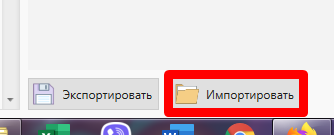
Then select the file with the IP on the computer. Valid formats − kc4c, xml. If we load Excel tables, then in each column we write one parameter for any of the following samples:
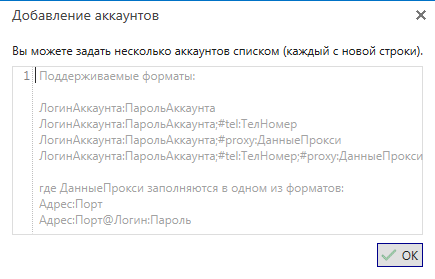
If you do not register the data of the intermediate server, then then add the parameters manually, as in the instructions above.
Where to buy proxy for Key Collector
On our website we have top proxy services. The addresses of each supplier were tested by themselves in several ways. From the tests for these parameters, the overall score was derived, so the rating came out objective. To learn more about a provider, click Browse. Click "Go" to open the seller's website.