GoLogin is a browser antidetectzer, which works with several accounts at the same time. For example: in the same browser, you can open 10 tabs with VKontakte, and the site will consider all these 10 tabs as 10 different users. To do this, GoLogin uses imitation of browser fingerprints, hides the location, and bypasses anti-fraud algorithms.
Why people use GoLogin
- the ability to work with a proxy;
- user emulation - the algorithm imitates the actions that a user would perform when changing an account: the program automatically fills in the login fields, recognizes the captcha;
- managing profiles from another computer, the settings are synchronized.
How to download and use GoLogin
For besecurity - the absence of viruses and trojans in the file with the browser, We recommend downloading the program from the official website: https://gologin.com/ru
- Download and install GoLogin on PC

Program interface in English, choose anotherlanguage is still not possible.
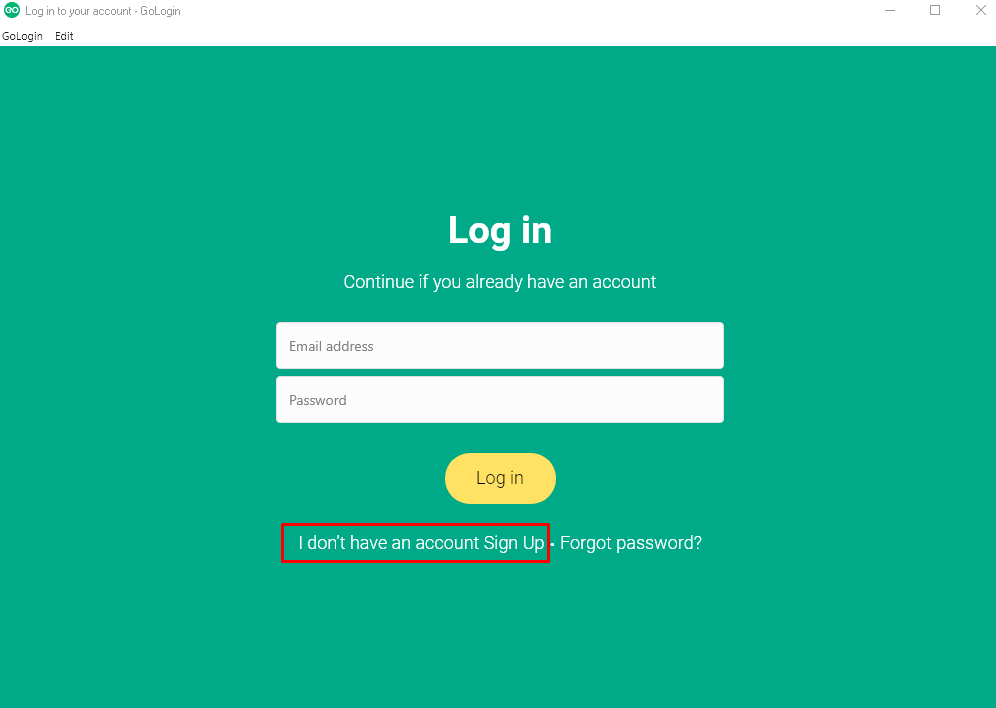
- Start registration by clicking on the line “Sign Up”
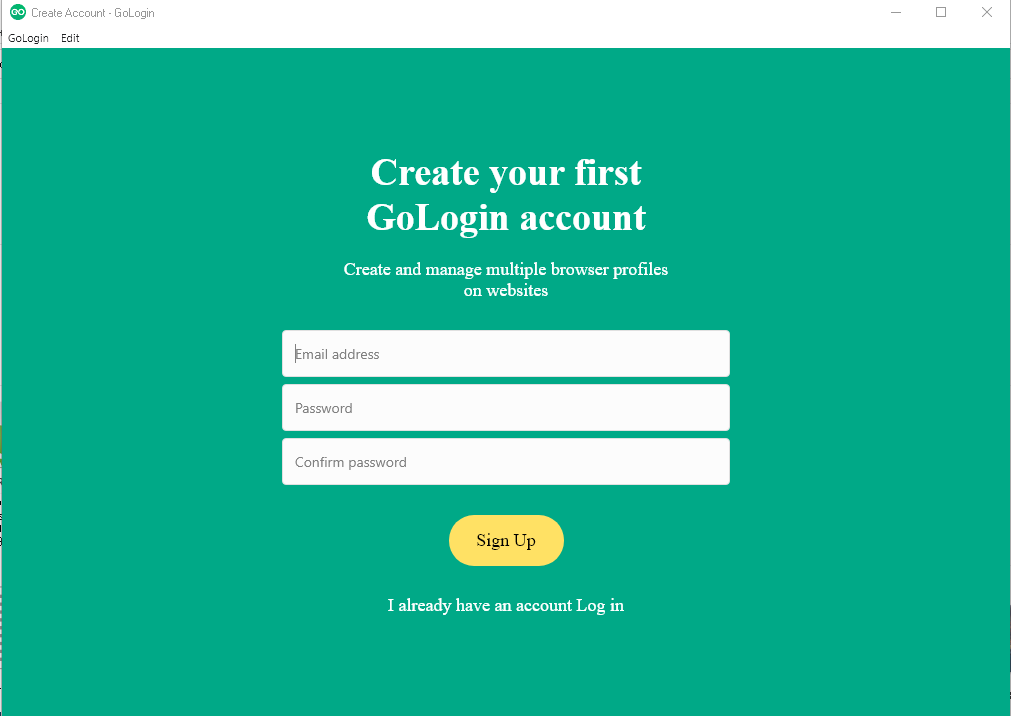
- In the new window, enter your email, password and password confirmation
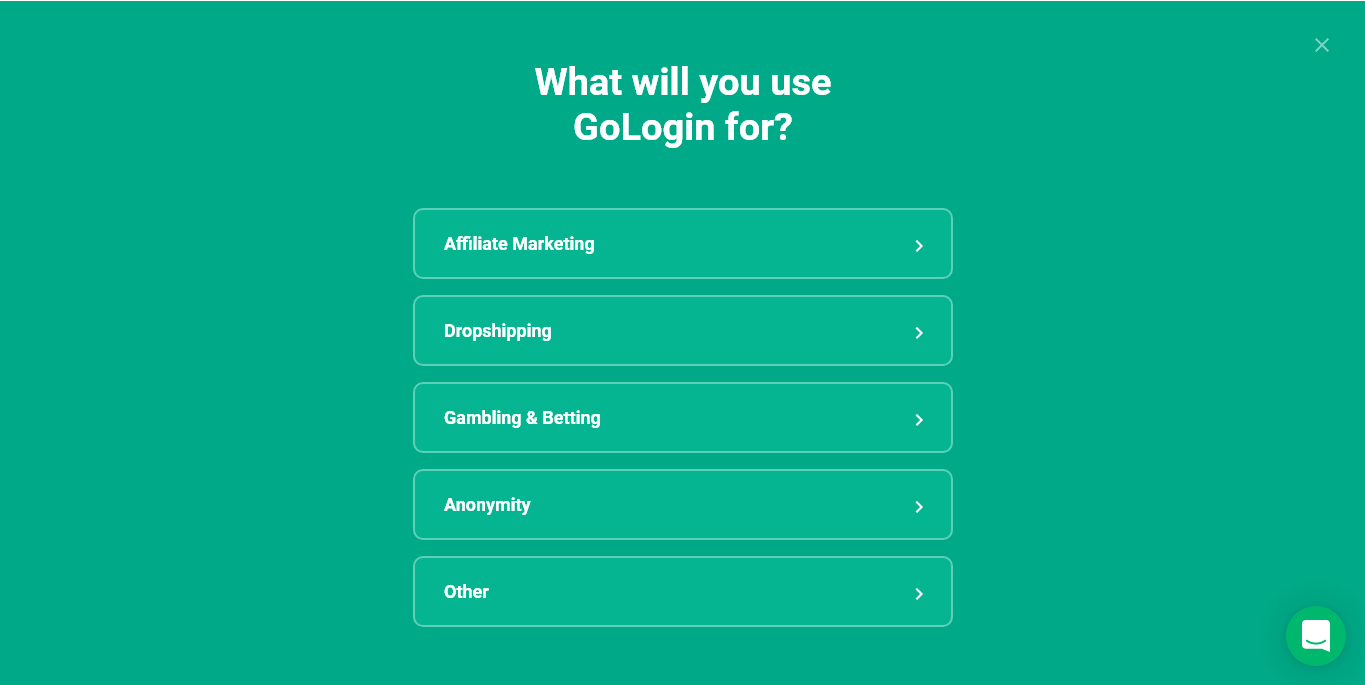
- Tell the program why you need a profile. If you do not want, click on the cross in the upper right corner and close the window.
affiliate marketing (Affiliate Marketing) - if you promote goods or services of other companies.
Dropshipping – mediation with the trade of goods from the warehouse.
Gambling and betting - Gambling and betting.
Anonymity (Anonymous) - to visit sites with a hidden location, PC characteristics.
Other (Other) - Specify your reason.
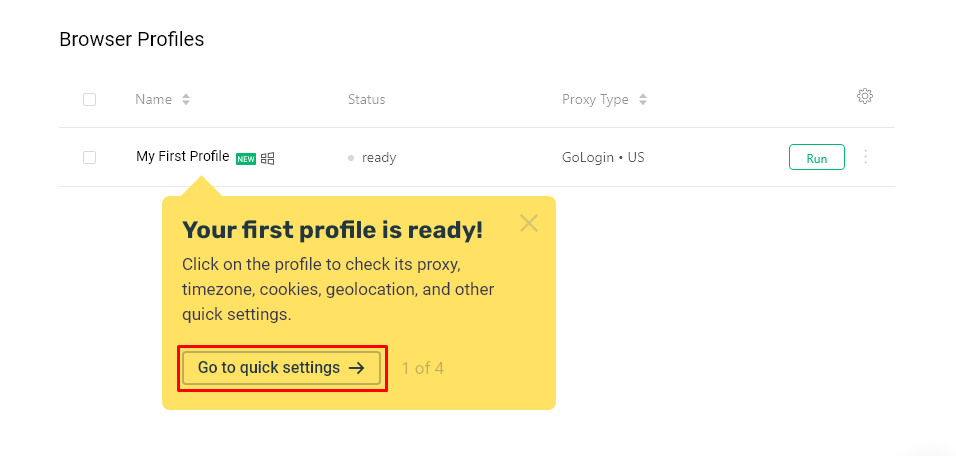
- Next you will go to the list of profiles. For now, he is alone. The program offers to take a look at the settings panel. To do this, click on “Go to quick settings”
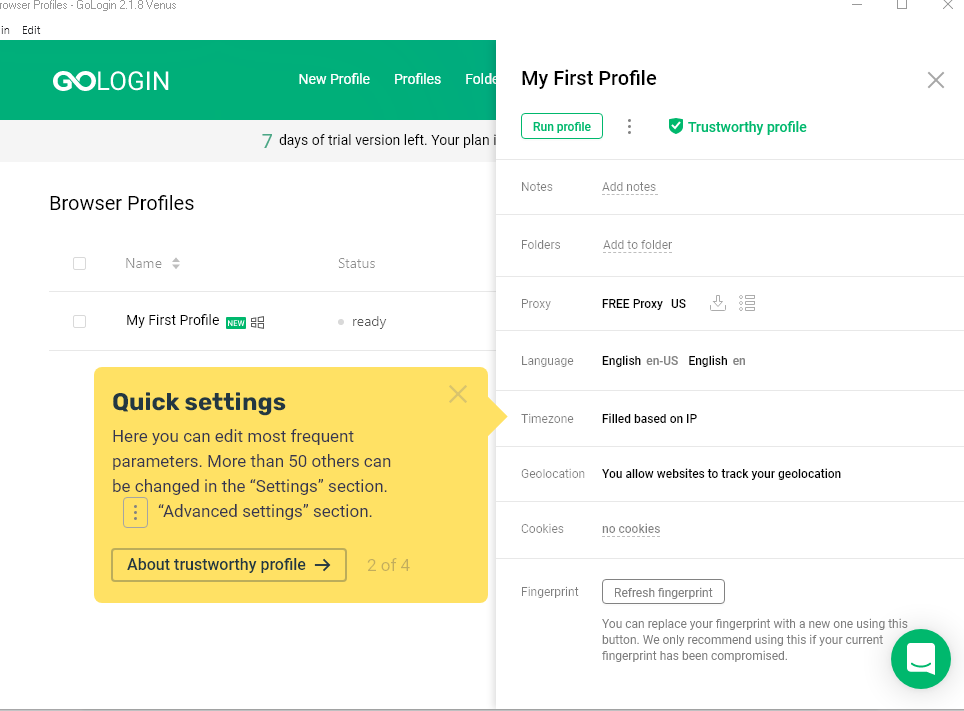
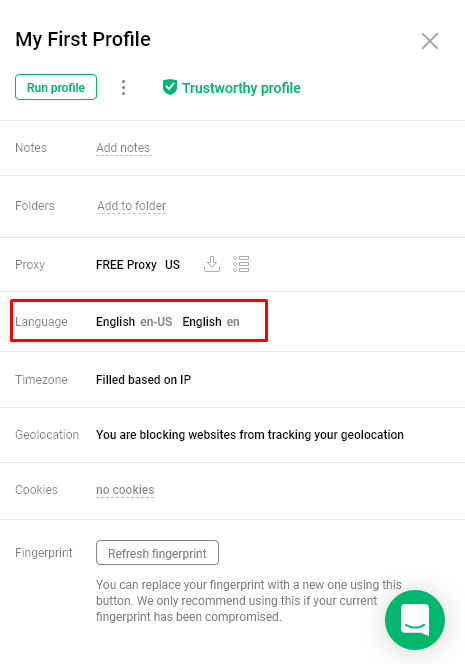
- In the panel, you can select the country of the free proxy connection, browser interface language, time zone, location, automatic acceptance of cookies and update the fingerprint.
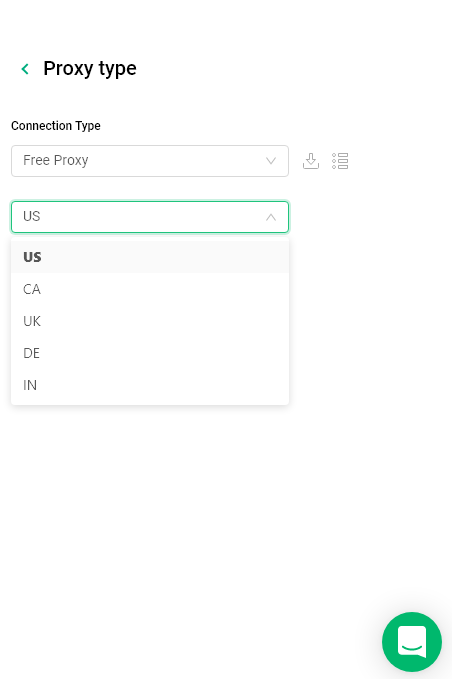
- To change the proxy server country, go to the “Proxy” tab and select the required connection from the list.
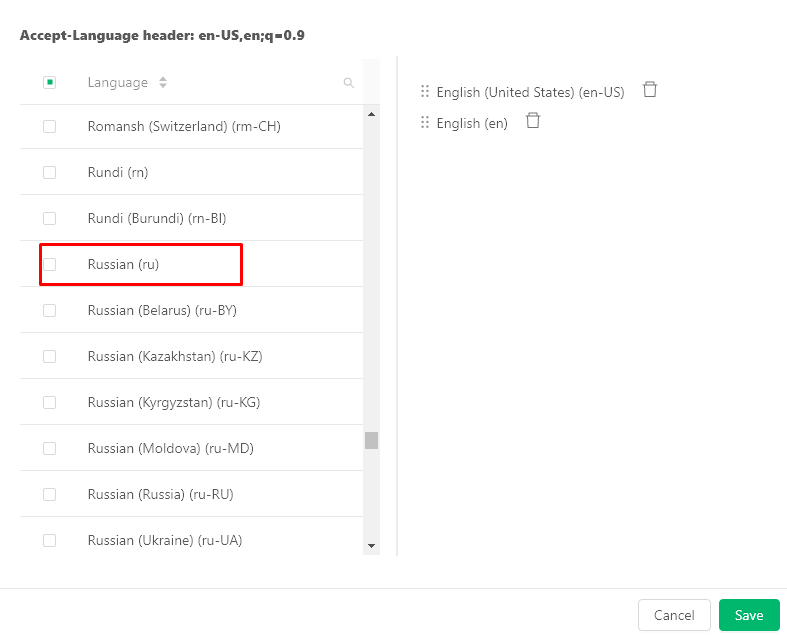
- Language shows the language of the browser, in the tab you can switch to Russian.
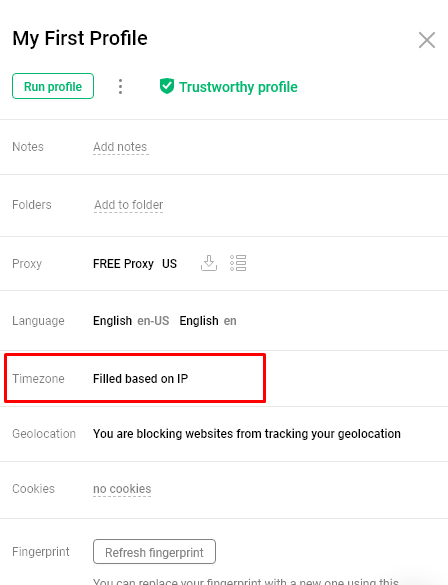
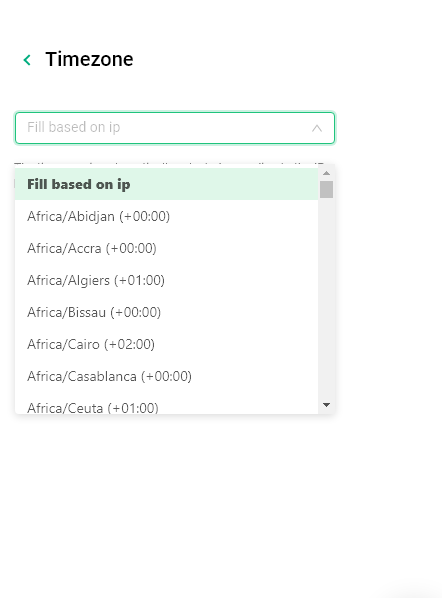
- The “Timezone” line sets the default time based on the IP of the server. The time can be changed by selecting the desired country from the list.
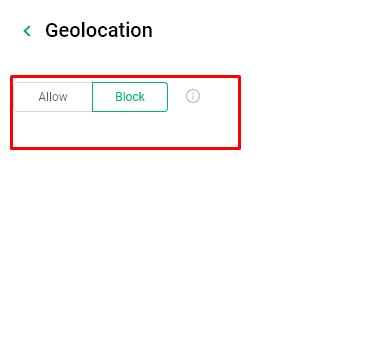
- The “Geolocation” tab indicates the location. By clicking on it, you can allow or block sites from tracking your location.
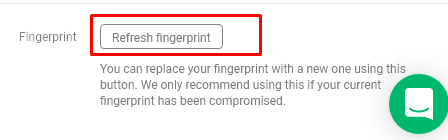
- You can update your fingerprint online by clicking on the "Fingerprint" tab. The program recommends doing this if you have already used one fingerprint.
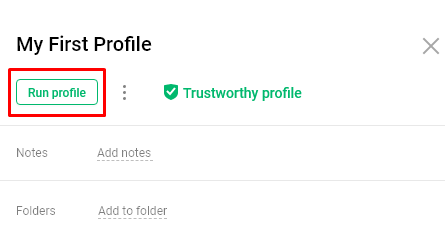
- Click on "launch profile"
Setting up a proxy in GoLogin
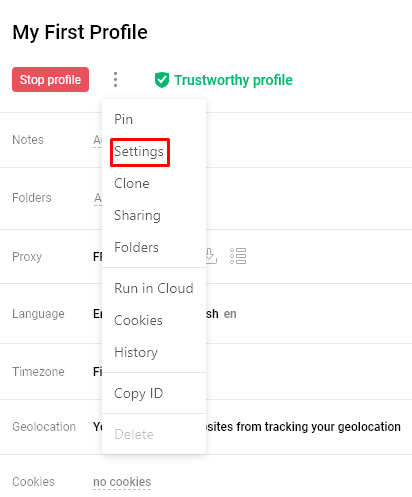
- Go to the additional account settings, find the "Proxy" tab.
- Specify:
- Name,
- Type of proxy connection,
- Login,
- Password.
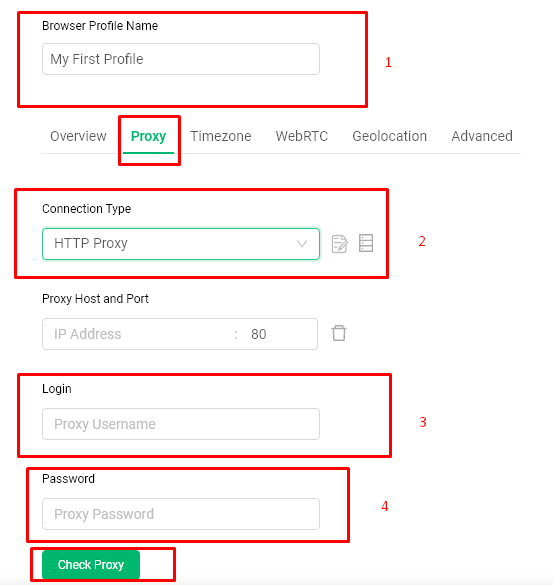
- We check the performance by clicking on the "Check Proxy" button
- Click "Save"
Subscription
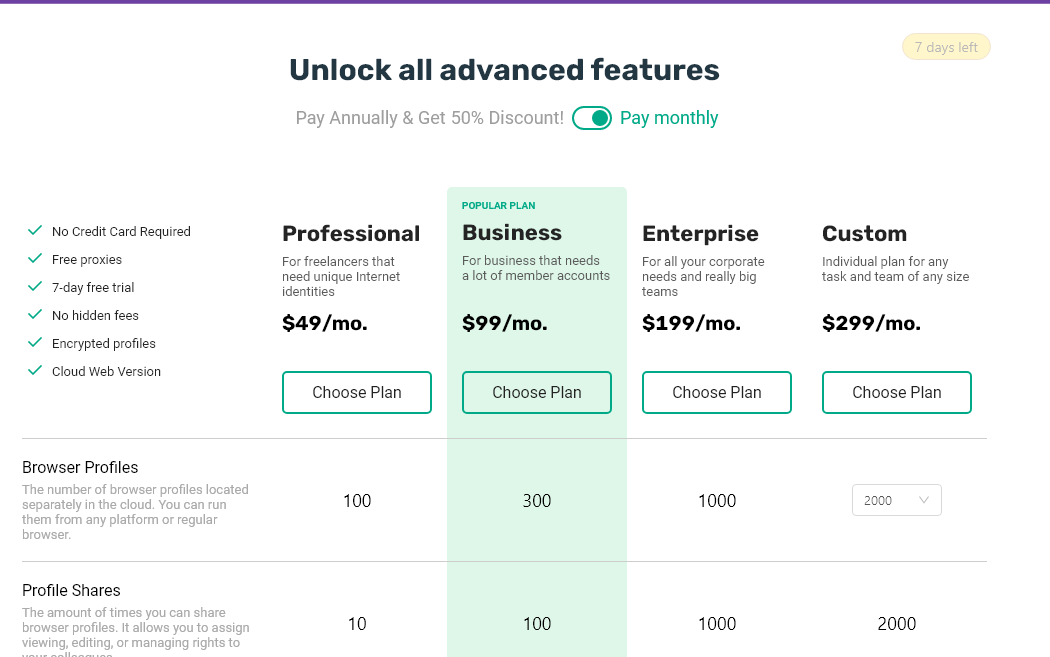
GoLogin is free for 7 days, after which you need to subscribe. There are packages such as:
Professional - 49$ per month, 100 profiles;
Beehcarried - 99$, 300 profiles;
Custom - 299$, the number of profiles and additional services are configured independently.
What proxies to use for Gologin
Choosing a proxy server is one of the key points in setting up Gologin. Here are some tips for novice users:
- Do not trust free proxies. The degree of their protection is unsatisfactory. Often they do not use security protocols, can be controlled from the outside, contain malware. They can also steal your cookies and gain access to social networks and other resources.
- Choose proxies verified by users. Large companies in this sector monitor their reputation, try to provide quality services and always take care of the safety of their customers.